
Starting point
Understand how an operation works
Model the people, processes, systems, resources and responsibilities that make an operation work.

Gather your work into one structured model. Explore it, maintain it with confidence, and publish a version anyone can open.
A process relies on systems. Teams are responsible for the work. Capabilities depend on both. Yet these connections are often scattered across spreadsheets, outdated diagrams and people’s heads — with no single place to see how everything fits together.
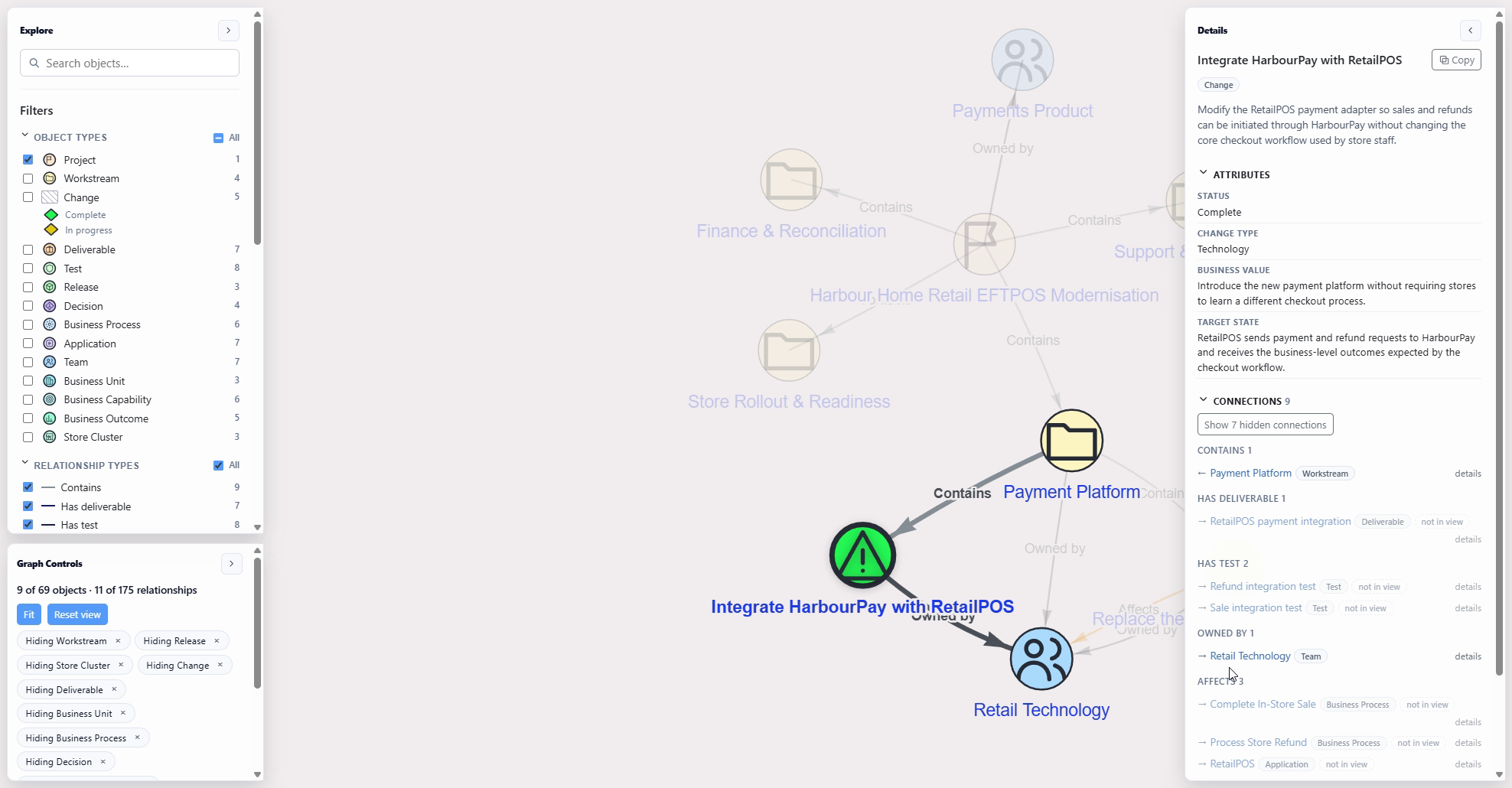
OnyxJar brings these pieces into one connected model. People, activities, systems and responsibilities become explicit relationships you can explore, helping you understand not just what exists, but how the different parts of your work fit together.
Download a real OnyxJar publication and open it in your browser. Inspect every object, every connection, and the reasoning behind it — nothing to install, no account needed.
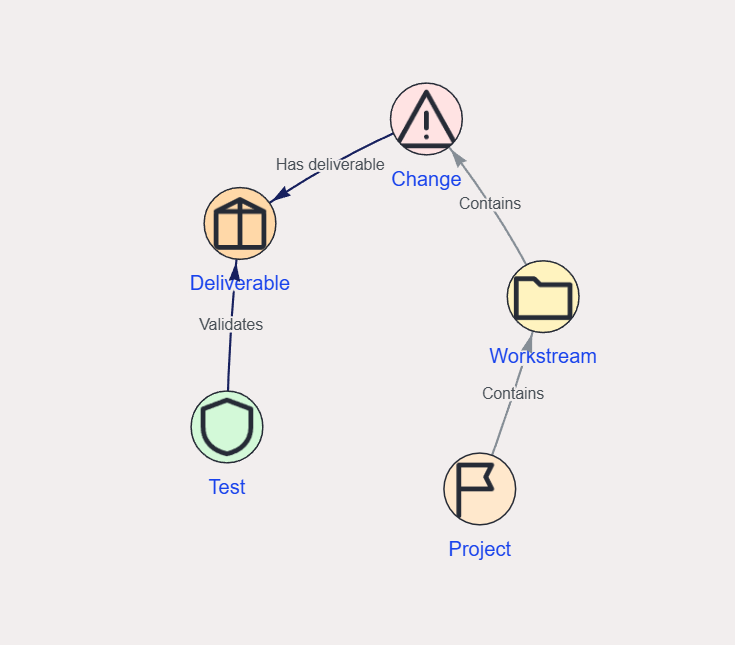
Define the things that matter to your domain, their details and how they are allowed to relate.
Explore relationships and inspect the context around individual parts of the model.
Publish an interactive model that others can explore independently of your editing workspace.
Start with a blank model or choose a template. Adapt the structure to your domain: retire types and relationships that do not fit, and define the ones you need.
Create objects and connect them with relationships. Once your model’s structure is defined, use the relevant import templates to bring in supported model data. Refine the model as your understanding changes.
Explore relationships, inspect object details and understand how the different parts of your subject fit together.
Publish an interactive, read-only view that others can explore in a browser, independently of your editing workspace.
From a working farm to a rugby tournament, a complex project or a business operation, build a model around the things that matter and explore how they connect.
Model the people, processes, systems, resources and responsibilities that make an operation work.

Connect the systems, processes, teams, deliverables and outcomes involved in a major change.

Connect teams, stages, fixtures, venues, rules and results into one coherent structure.
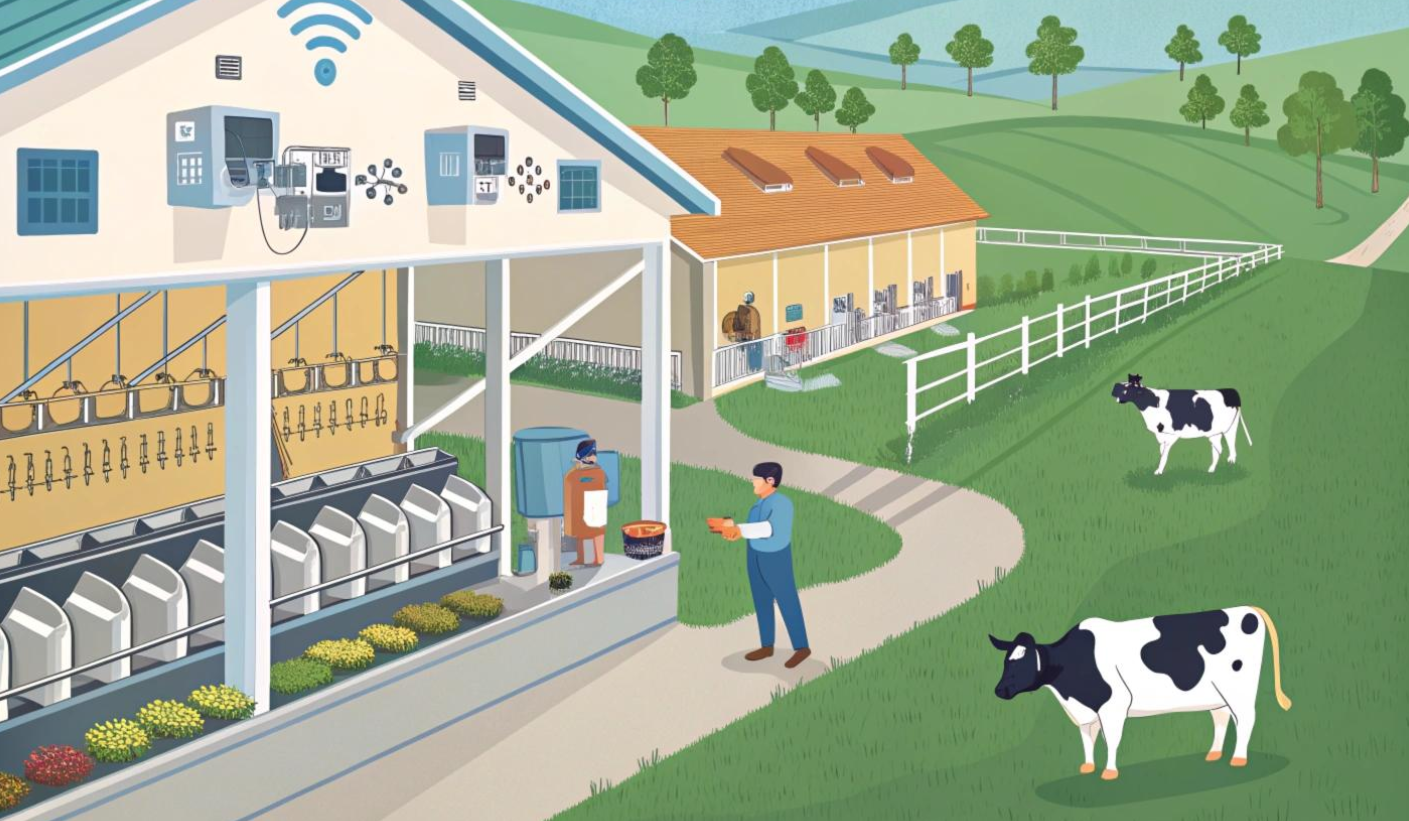
See how land, livestock, feed, infrastructure, people and seasonal activities fit together.
Start free as a Learner. Upgrade to Communicator when you need to share downloadable snapshots.
Free
$9 NZD / month
Coming soon
Build a model around a process, a service, an application landscape or whatever you need to understand. Start small, then connect it to the bigger picture.